Smart Photo Wall Panel
Intro
For the last 3 years I’d been using a refurbished Fire 10 tablet as a wall panel in my hallway. I found it was quite handy to have quick access to my Home Assistant dashboard, displaying information like the Weather, calendar entries, and approximate drive time to those calendar event locations, while also having a easy way to control the smart features in our house (blinds, lights, etc).
The battery only lasted for a few days, but I couldn’t be bothered to spend the time and effort to wire it in more permanently - I relied on a magnetic mount in order to have an easy way to remove it for charging.
Eventually, a couple of weeks ago the tablet died entirely, and wouldn’t even power up anymore.
A bit over year ago I bought a couple of Arzopa smart photo frames running Frameo, which we gifted to our daughter’s great grandparents. We wanted something simple and easy to use, and my sister already had a photo frame running Frameo which apparently worked quite well. I realised they ran Android, but wasn’t sure how easy it would be to sideload a different app. I thought it might well be a way to upgrade the Fire10 wall-mounted tablet for something that looks a bit nicer.
That idea was left in the back burner until the Fire10 tablet died.
Arzopa P156W 15.6 inch photo frame
By mere chance, the week after the tablet died, someone posted on r/homeassistant about their success in sideloading apps on the 15.6 inch Arzopa P156W smart photo frame. photinus provided a nicely presented guide on their GitHub, detailing the whole process.
I went ahead and ordered one the same day!
The screen is nice and bright, and although the frame itself is quite slow (more on this later), it is just bearable enough in that it is still usable. The frame is relatively inexpensive, being regularly on sale at a decent discount, be it on Amazon, Aliexpress, or Arzopa’s own website.
I won’t reproduce the guide in full, and instead just point you towards photinus’s guide again. There isn’t a lot to it:
- Enable “Beta Mode” in the frame’s settings
- Enable ADB over USB and connect to your PC.
- Disable the Frameo app, and install the required APKs
- Enabled the updated System Webview
The plan
My initial plan was to use FullyKiosk to display an Home Assistant dashboard, and to use some sort of automation within Home Assistant to have it present photos by default.
However, when I was searching for some inspiration on how to do that, I came upon Immich Kiosk. Immich Kiosk runs on a Docker container and allows you to easily display your photos from Immich in a really nicely presented UI, with the option to show a clock, date, weather and/or specific metadata from each photo.
The Solution
FullyKiosk has the option to display a screensaver, which can be specific URL. When you tap the screen, it immediately takes you to the default page.
This made the whole process much simpler. It was as easy as setting up FullyKiosk to point at the Home Assistant dashboard, and setting the screensaver to the Immich Kiosk URL!
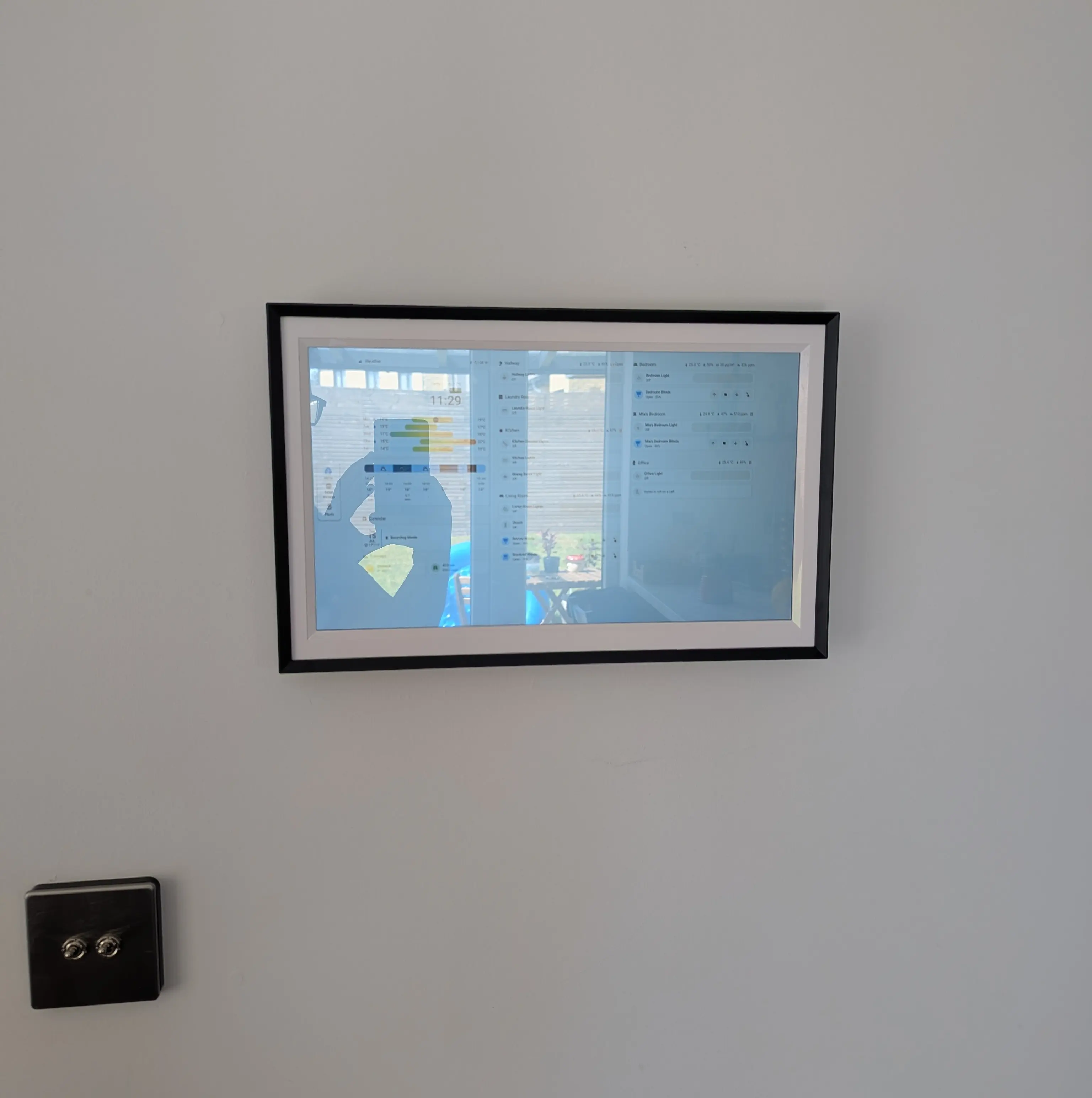
From within Home Assistant I am able to use the FullyKiosk integration to turn off the screen when the room is empty. When there is someone in the room, it will display my Immich photos from a curated album. Meanwhile, the Home Assistant dashboard and controls are always a single tap away!
Results
Overall, I am quite happy with this solution. The hardware has some issues. The frame is extremely slow, and the wifi is not super reliable, with random disconnects. Immich Kiosk runs really well, but on occasion the frame shows a small icon to let me know it has disconnected. On some rare occasions, I get a 404 error when the page fails to load (probably when it tries to do it while the wifi is out). 9 out of 10 times, it’s fine. I have tried using FullyKiosk’s wakelock settings for wifi/cpu and even wifi re-connection, but it is still not fail proof. I might try using the ImmichFrame Android app with ImmichKiosk, in the hope that the caching functionality works better and see if it’s sufficient to handle the disconnections.
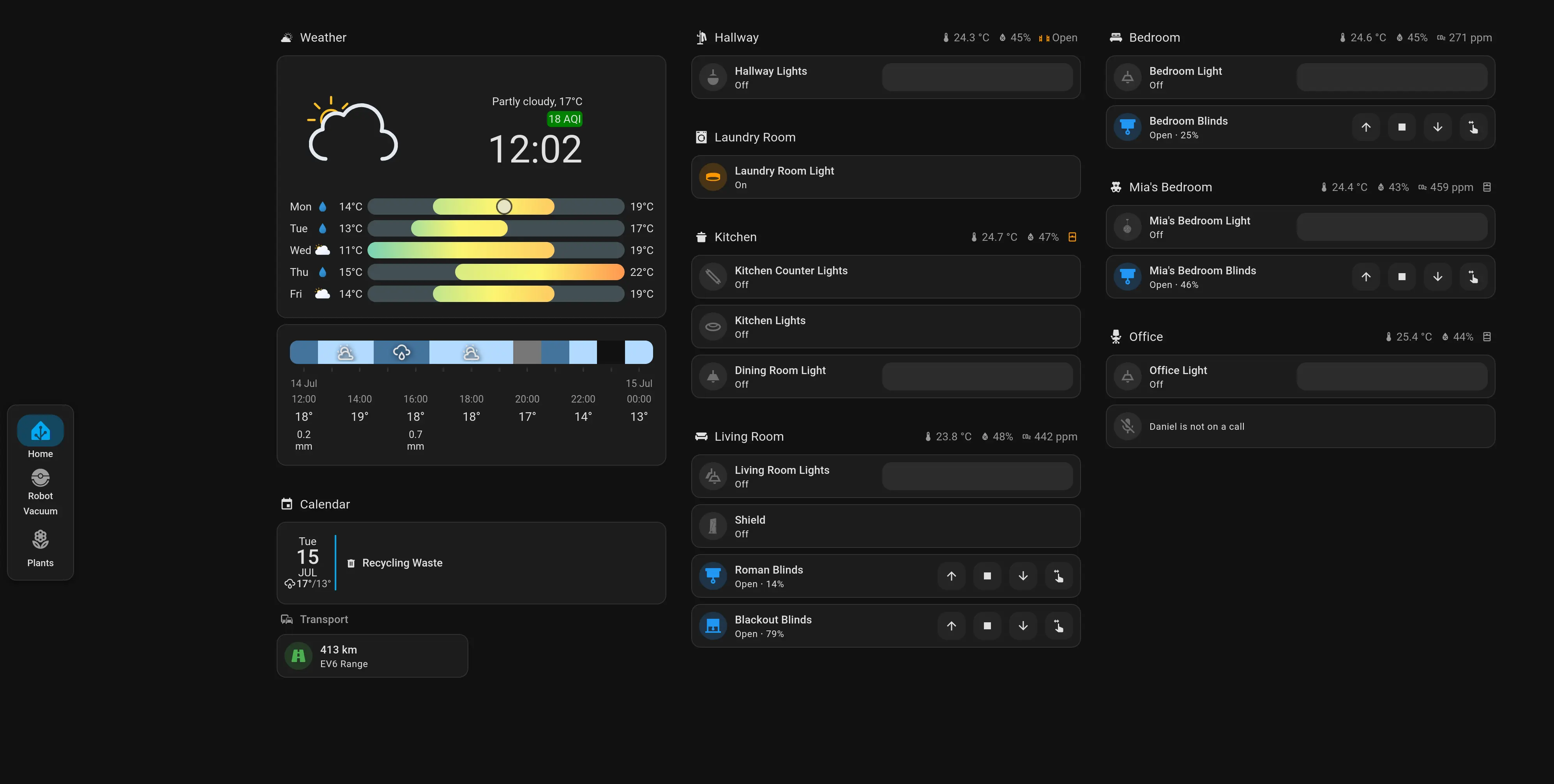
In terms of the Home Assistant dashboard, the hardware slowness cause issues too. Home Assistant loads all the pages in the dashboard, not just the one displaying, so splitting the information across multiple pages doesn’t necessarily help.
I had to streamline the dashboards as much as possible, removing any type of “heavy” cards (such as the map cards for the vacuum robot, or the sankey chart which I typically use for power monitoring). I’ve found that this helped, but it is still not perfect, and sometimes it takes a good few seconds to respond. The fact that I make use of a lot of conditionals probably doesn’t help either.
I consider this a work in progress and will probably keep changing and simplifying this dashboard over the next few months.
Update after 2 months
At some point over the last month I ended up setting the wifi to a static ip, and the issues became a bit less common. It still happens, on occasion, but it’s a lot less common.
I also noticed that the screensaver (Immich-kiosk) connection failed a lot less often if connected via http:// directly to the ip, instead of https:// via reverse proxy. My guess is that the Android version is so ancient that it causes some type of issues with the TLS connection(Turns out it was purely wifi issues, see below update).
I am still happy with the purchase, 95% of the time it works without issue. I get to display my photos, and by just tapping on the screen I get quick access to a simple Home Assistant dashboard.
There is probably better hardware out there, but, for the price, this was unbeatable.
6 month update
I’ve recently updated my network setup to a Unifi Gateway with a Unifi U7 Lite AP and that actually solved the wifi issues entirely! The frame was less than 2 meters away from my previous router and the connection kept dropping at least once a day. Now, it is connected to a AP on the floor above, and yet it is absolutely stable and hasn’t disconnected in days. I don’t know what the issue was exactly but, clearly, this fixed it.